Real estate · Example job
Property marketing visual from a reference
Turn a property reference into a marketing-ready visual for portals, decks, and campaigns—then keep iterating in one project.
How does Drafto help with property marketing visuals? Upload a reference image or plan-linked view, describe the campaign look in chat, and generate a publishable visual. Versions stay in the project gallery with Studio refinements.
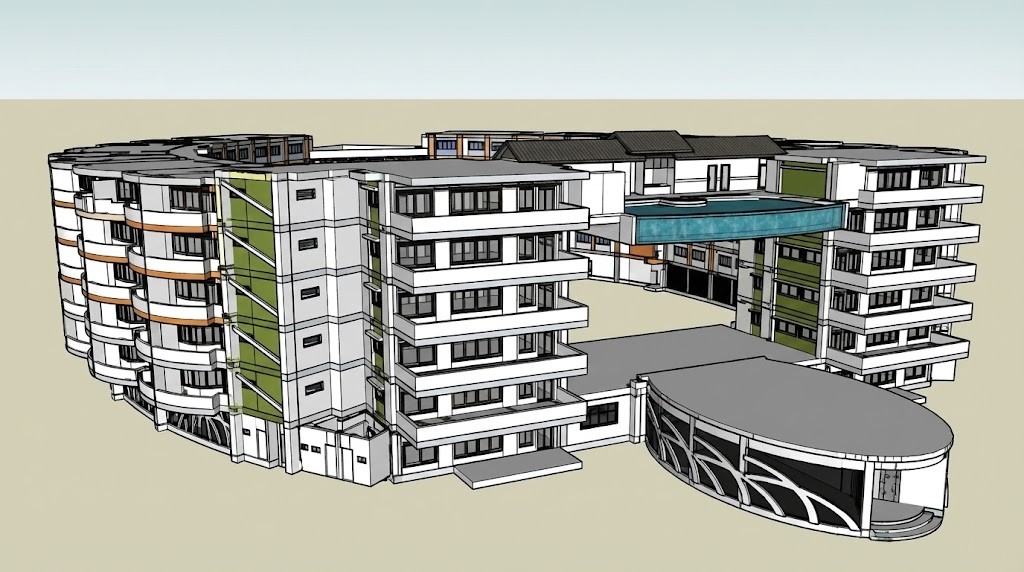
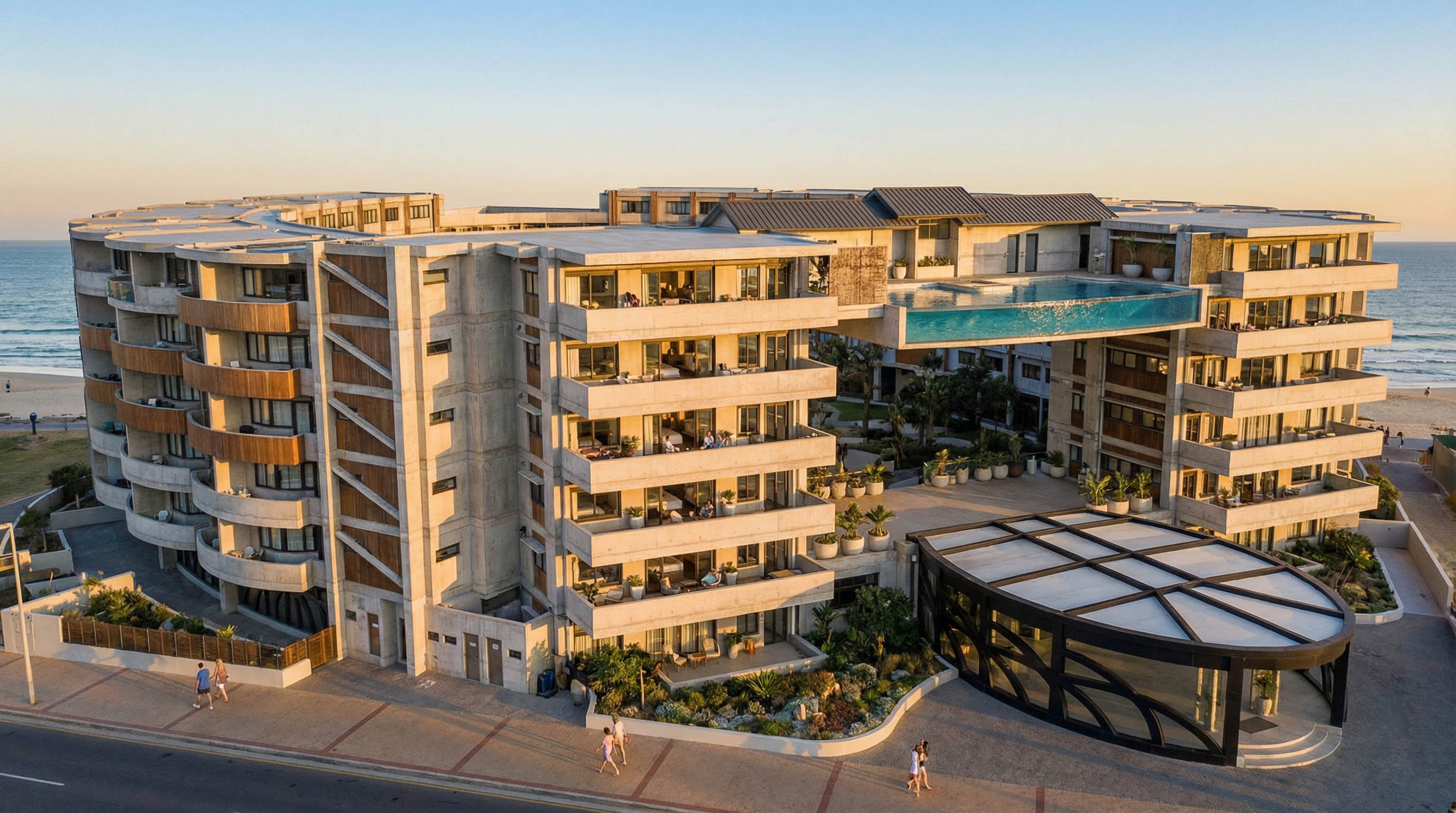
Property reference → Marketing visual
Drag to compare source and result
Showcase pair from the Drafto examples gallery. Prompt is illustrative for marketing workflows.
Timing: Most jobs finish in about 30 seconds depending on resolution and queue load. Higher resolutions take longer and use more credits.
Example prompt to try
Illustrative copy-paste starter. Adapt it to your upload. Not claimed as the recorded prompt for the gallery pair above.
Create a marketing-ready property visual from this reference. Keep the building composition. Clean real-estate photography look, balanced daylight, suitable for a listing page hero.Sign in and paste into chat
Steps
01
Upload the reference or plan-linked view
Use the same project as your floor-plan renders so marketing stays consistent with design sources.
02
Describe channel and mood
Listing hero, brochure, or deck—say the framing and finish level you need.
03
Export and keep versions in the gallery
Download the approved frame. Studio edits sync back so the team shares one source of truth.
Aim to keep
- Building composition
- Project linkage to source assets
- Brand-consistent framing
Typically change
- Presentation polish
- Lighting for marketing
- Campaign-ready crop intent
Questions
Yes. Chat and Studio outputs attach to the same project gallery so marketing and design iterate from one place.
Who uses this job
Related jobs
Architecture
Floor plan to photorealistic 3D
Clear 2D plan → coherent spatial 3D view for decks and reviews.
Interiors
Bedroom interior from a floor plan
Bedroom plan/sketch → photorealistic furnished interior.
Studio & trust
Compare against the original upload
Original upload vs current render—slider fidelity check.
Try it on your own upload
Start in chat, open Studio to select areas, and keep every version in your project gallery.