Studio & trust · Example job
Studio: select an area, then chat
Precision editing without rebuilding the scene: lasso or marquee a region, then chat the change.
What is Drafto Studio? Studio is the precision editor: mark zones with lasso or marquee tools, then describe the change in chat—materials, furniture, lighting—so the rest of the architecture stays intact. New versions sync back to chat and your project gallery.
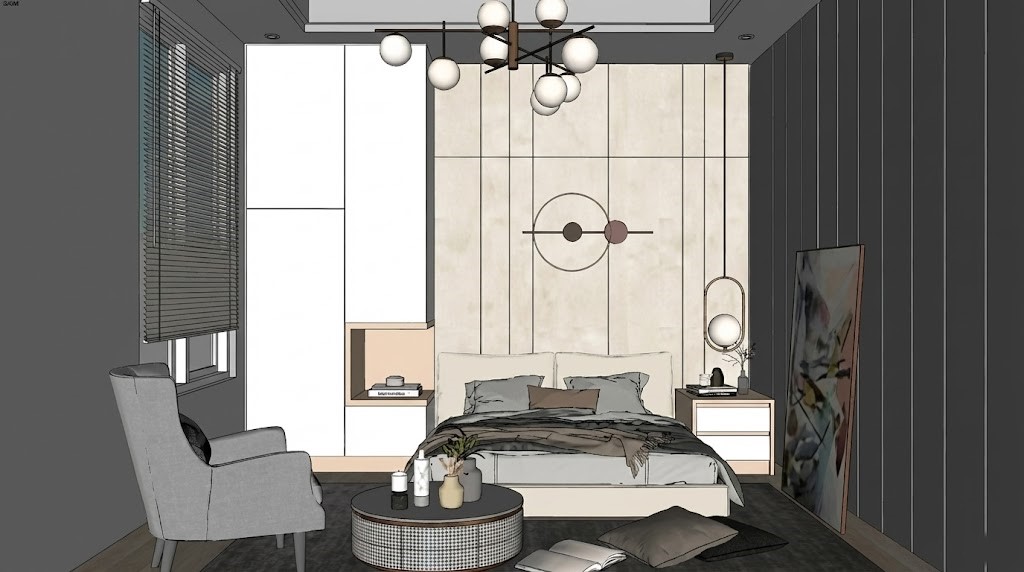
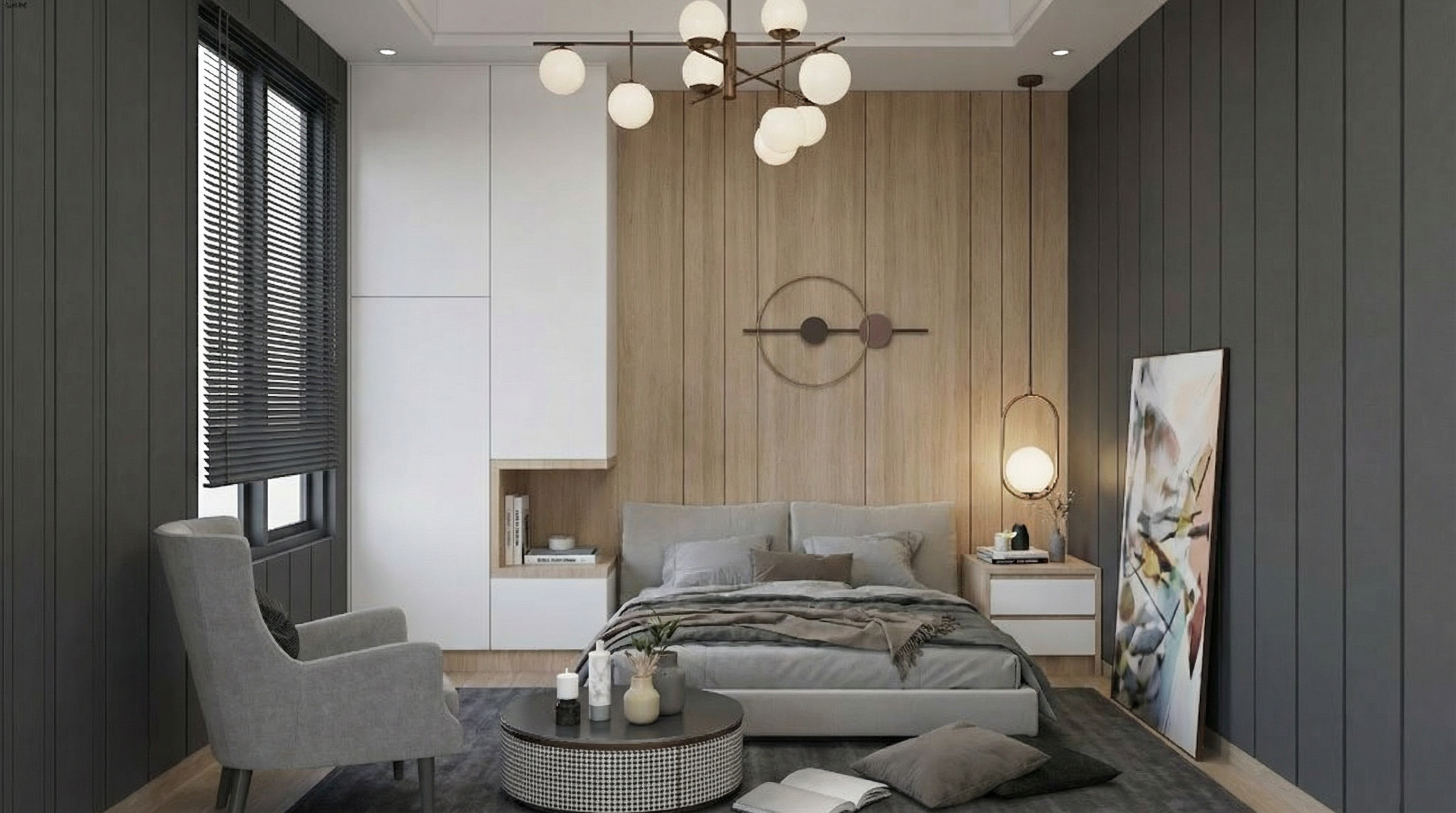
Approved render + selection → Region-edited version
Drag to compare source and result
Illustrative gallery pair for the Studio workflow (examples showcase). We are not showing a recorded selection mask here—only the product workflow and a real before/after from the same gallery.
Timing: Most jobs finish in about 30 seconds depending on resolution and queue load. Higher resolutions take longer and use more credits.
Example prompt to try
Illustrative copy-paste starter. Adapt it to your upload. Not claimed as the recorded prompt for the gallery pair above.
Only change the area I selected: replace the flooring with light oak herringbone. Keep furniture placement, walls, windows, and camera exactly as they are.Sign in and paste into chat
Steps
01
Open an approved render in Studio
Start from a chat result you already like so revisions stay anchored.
02
Select the zone to change
Use lasso or marquee on flooring, furniture, cladding, or another region.
03
Chat the change for that selection
Describe only what should change inside the mark. Regenerated versions sync to the project gallery.
Aim to keep
- Architecture outside the selection
- Camera and overall composition
- Unmarked furniture and finishes
Typically change
- Materials or objects inside the marked region
- Local lighting notes you request
Questions
No. Studio works on an existing render in the project. Keep iterating from the approved version.
Who uses this job
Related jobs
Interiors
Bedroom interior from a floor plan
Bedroom plan/sketch → photorealistic furnished interior.
Architecture
Elevation drawing to exterior render
Elevation / exterior drawing → presentation facade render.
Studio & trust
Compare against the original upload
Original upload vs current render—slider fidelity check.
Try it on your own upload
Start in chat, open Studio to select areas, and keep every version in your project gallery.