AI tool · sketch to render
Sketch to photorealistic render
Lines set structure. Chat sets materials and light. Studio fixes one region at a time.
What is sketch to render in Drafto? Upload a clear sketch or elevation drawing, ask chat to keep geometry and camera while applying materials and lighting, then use Studio for marked revisions.
Sketch → Photoreal render
Compare source and result
Custom sketch → photoreal pair from /images/tools/sketch-to-render. Prompt below is an illustrative starter.
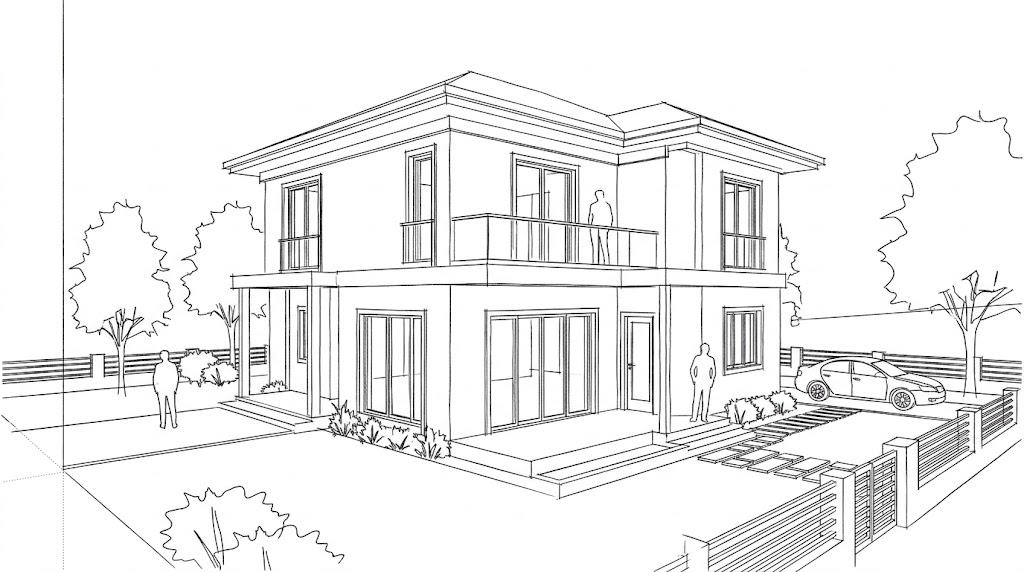
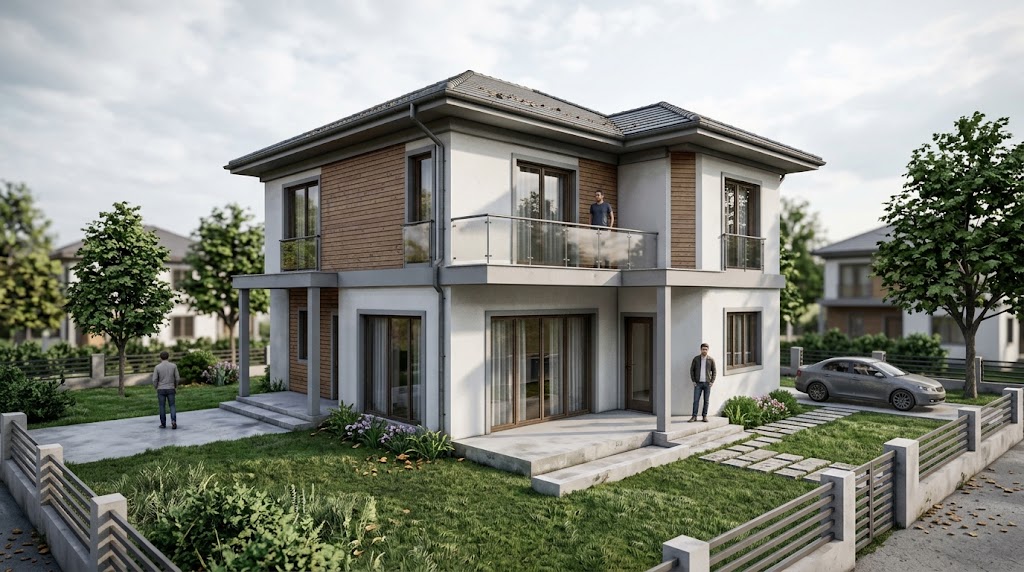
Example prompt to try
Illustrative starter—not a claim that it produced the gallery pair above.
Render this sketch as a photorealistic building. Keep every major line of the massing and the viewpoint. Add realistic materials and soft afternoon light.
Steps
01
Upload a legible sketch
Phone photos of paper sketches work when lines are readable.
02
Write a keep-list in chat
Name materials after stating what must not move.
03
Refine with Studio
Mark a door, cladding bay, or landscape strip for local edits.
Aim to keep
- Massing lines
- Proportions
- Viewpoint
Typically change
- Materials
- Context
- Lighting
Questions
No. Export or screenshot a view, or upload a hand sketch. See the SketchUp guide for viewport tips.