AI tool · ai render editor
Studio: select an area, then chat
Precision edits without rebuilding the whole scene—lasso or marquee, then chat.
What is Drafto Studio? Mark zones with lasso or marquee, describe the change in chat, and regenerate only the selection. Versions sync to the project gallery. Compare against the original upload for fidelity.
Approved render + selection → Region-edited version
Compare source and result
Custom Studio region-edit pair from /images/tools/studio. Prompt below is an illustrative starter.
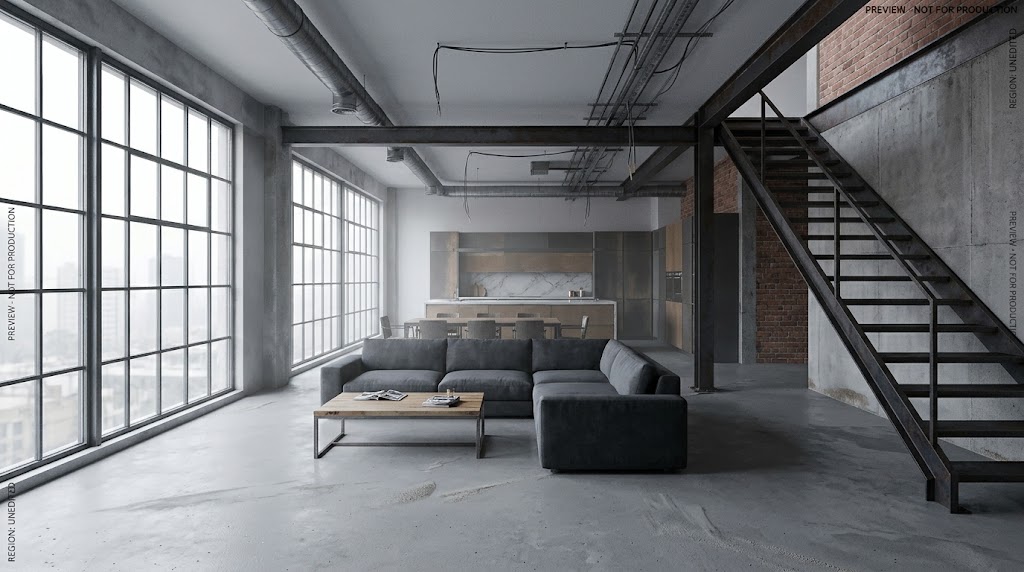
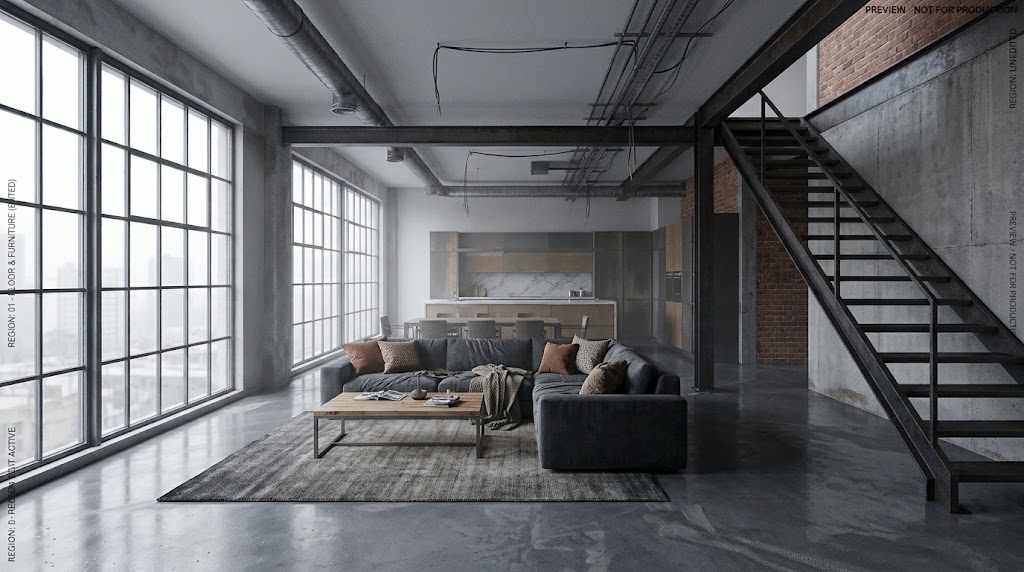
Example prompt to try
Illustrative starter—not a claim that it produced the gallery pair above.
Only change the selected area: light oak herringbone flooring. Keep furniture, walls, windows, and camera.
Steps
01
Open an approved render in Studio
Start from a chat result you already like.
02
Select the zone
Lasso or marquee flooring, furniture, or cladding.
03
Chat the change for that mark
Describe only what should change inside the selection.
Aim to keep
- Unmarked architecture
- Camera
Typically change
- Marked materials or objects
Questions
Chat for the first full frame from a plan or drawing. Studio when you need surgical control.