AI tool · virtual staging ai
AI virtual staging for listings
Empty room or unit plan in → listing-ready furnished frame out. Mark furniture zones in Studio for client swaps.
How does Drafto approach virtual staging? Upload an empty room photo or unit floor plan, generate a furnished listing interior in chat, compare against the source, and refine furniture zones in Studio.
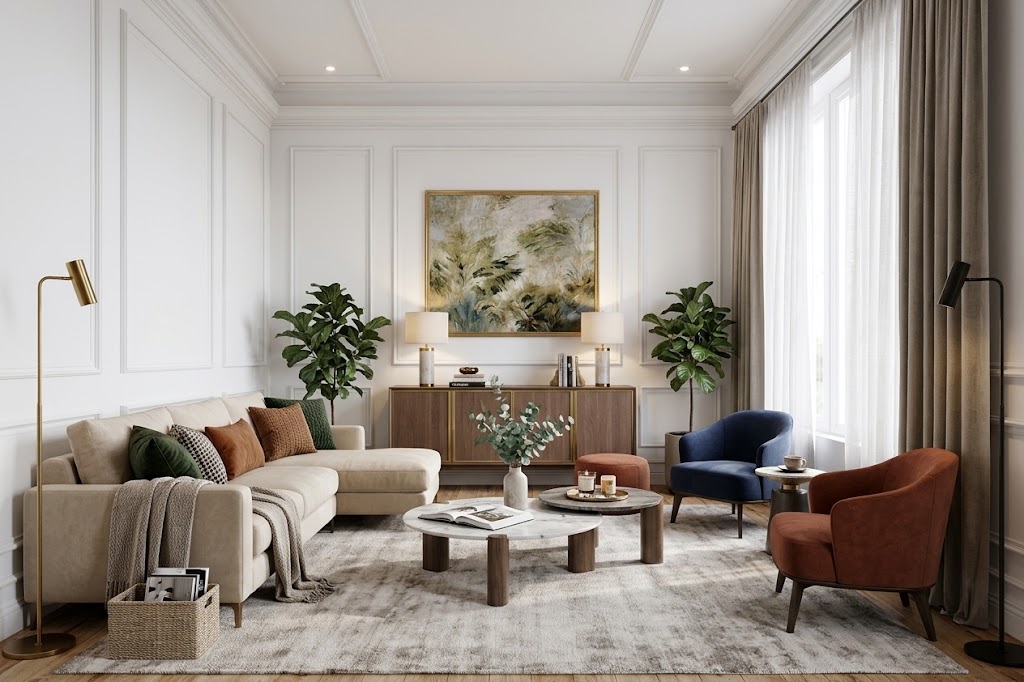
Empty room or floor plan → Furnished listing visual
Compare source and result
Custom empty → staged pair from /images/tools/virtual-staging. Prompt below is an illustrative starter.

Example prompt to try
Illustrative starter—not a claim that it produced the gallery pair above.
Furnish this vacant unit plan as a listing-ready living room. Keep walls, windows, and openings. Soft natural light, neutral modern furniture, MLS-appropriate look.
Steps
01
Upload the unit floor plan
Preferred input while dedicated empty-photo assets are pending.
02
Describe listing style in chat
Ask to keep layout; specify furniture density for the channel.
03
Studio-tune furniture zones
Mark sofa/rug/wall areas when agents request swaps.
Aim to keep
- Plan layout
- Openings
Typically change
- Furniture
- Styling
- Lighting for listings
Questions
Not identical. Drafto is strongest from floor plans into furnished marketing visuals. Pure empty-room photo staging is a related workflow; gallery proof for that path will publish when assets are ready.